026: How to remove date on Squarespace blog posts [Hayden or Pacific Templates]
Hello there, my friend!
Here's a quick tip on how to remove the date feature on your blog in Squarespace (templates Hayden and Pacific).
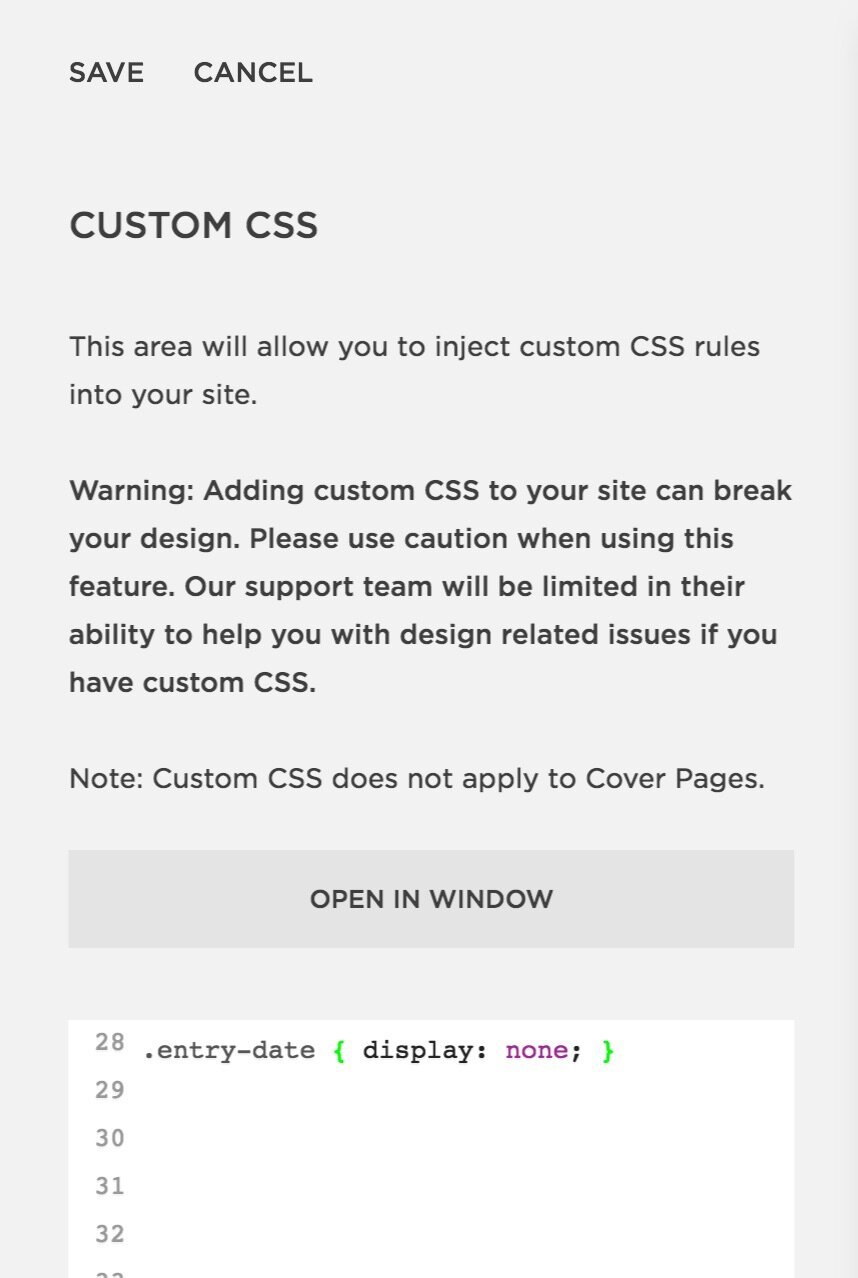
Go into Design -> Custom CSS
and add in this piece of code:
.entry-date { display: none; }
Watch the short video tutorial to see how I do it:
Hope this has been helpful. Thank you for watching!
Sophia